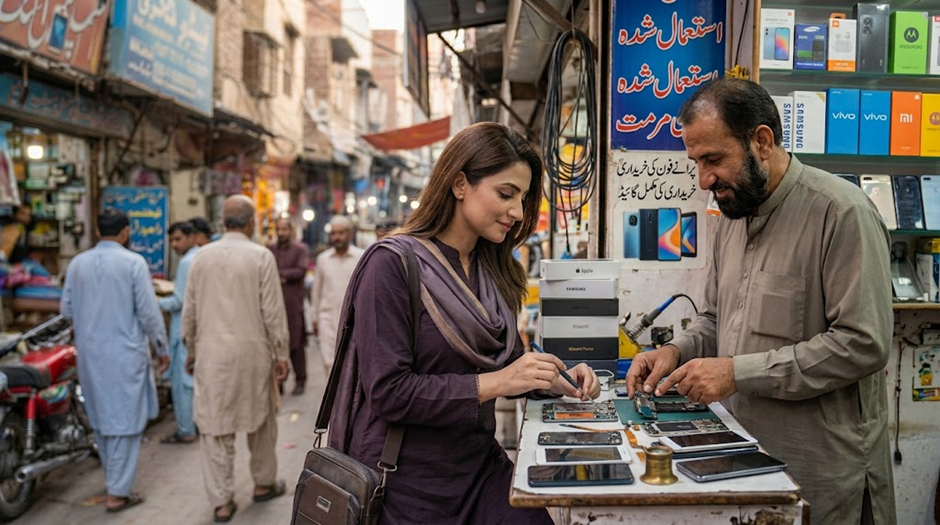
Buying a pre-owned phone really can save you money, you often get far more specifications for less cash. Nevertheless, a second-hand device might hide some nasty surprises. Your new phone could have a broken screen or battery. Or perhaps there’s existing repair history or even network issues. Some models will have replaced components or software problems too.
Therefore, really take a close look at a pre-owned phone very carefully indeed. Don’t just pay because it looks okay. Just a few quick inspections really will help you make a much wiser purchase decision. Here are 15 pretty essential things to look out for prior to handing over your cash.
Check out your phone’s IMEI number
Your handheld device is identified by a unique IMEI number by pressing *#06#. Compare this IMEI displayed on the phone itself to that printed on its packaging. Ask your vendor why they’re different if necessary.
Dual-SIM phones display two IMEI numbers so be sure to check them all whenever feasible too. And please keep in mind you should also verify the phone’s PTA status before purchasing – particularly if it has been imported.
Verify the PTA Registration Status
In Pakistan, knowing a phone’s PTA status really matters. An unregistered phone (or ‘non-PTA’) might need registration and subsequent taxes paid. In fact, its cellular connection access might even be blocked unless properly registered. So don’t simply believe what the seller tells you. Instead, use an official way to verify the IMEI yourself before giving them any money. Calculate any potential registration charges too so you know exactly what you’re getting into.
Examine the Screen Very Closely
Your phone’s screen is an absolutely vital part of your new device. Look closely under bright lights. See if there are any cracks, deep scratches, dark marks, lines, or unusual tints. Open up different applications and slide your finger over the display. This little trick helps point out where touch sensitivity may not be so good. Check out the screen’s brightness level and how easily you can view it too.

Test Out the Cameras
Launch your front and back cameras. Take some photographs in quite different lighting conditions. Check whether the camera focuses properly. Have a closer look at any unusual spots, blurry areas, or rather odd colorings. Make a short video recording as well. Try the microphone and stabilizer function, if your phone supports these features. For those phones with many cameras, test each individual lens out for yourself.
Check the Condition of Your Battery
Your phone’s battery life is another critical thing to consider when purchasing a pre-owned smartphone. An older battery could start draining fast or need replacing pretty soon. Check the battery health info when your phone gives it to you. Use the phone for around 10-15 minutes while checking other functions. Notice whether your battery drains very quickly – or even cuts off unexpectedly from time to time. Remember that judging a battery’s performance by looking at the percentage shown on your screen is just not enough; there’s rather more going on beneath the surface!
Test the Charging Port
Connect a compatible charger to your phone. Verify that the charging connection is very secure indeed. Your phone shouldn’t disconnect itself whenever the cable moves just slightly, even when you’re quite gentle with it.
See if charging really gets underway as expected. And take a close look at the port itself for any obvious signs of harm or rather too much grime accumulated over time. Damaging the charging port might cost you a pretty penny for repairs.
Test the SIM and Mobile Network
Insert your SIM card and initiate a test call. Determine whether your phone actually connects to the mobile network itself. Test your mobile internet connectivity too, please.
And if your phone holds more than one SIM card, try out both slots as well. Even this basic examination could really help spot network-related, SIM-card-related, or registration issues, all before you’ve parted with any money at all.
Check Wi-Fi and Bluetooth
Link your phone up to a nearby Wi-Fi network. Browse around online a bit or make use of an online resource yourself. Then try out Bluetooth using another compatible gadget nearby.
Sometimes these functions will have some issues arise after falling, getting wet, or perhaps undergoing repairs themselves. Checking them requires just a couple of minutes, but can greatly reduce potential problems down the line.
Inspect the Body for Damage
Really take a good look at your phone’s frame and rear casing closely indeed. Check if there are dents, very deep scratches, noticeable gaps, loose controls, or hints that someone opened it up previously.
If the frame shows significant signs of damage, this might suggest your phone took quite a fall itself. You should also examine the camera lens quite closely. Although it seems minor, even a tiny crack can truly impact your photos’ overall quality.
Check the Buttons and Speakers
Press the power button and volume controls many times over. All buttons should react properly each time without feeling extremely loose or stuck at all.
Listen to music or play a video through the speakers. Be aware of any distortion, buzzing sounds, or unusually quiet sound levels. Also, test the built-in microphone itself by creating an audio recording with your voice.
Check for Water Damage
Water damage can often lead to problems appearing at a much later date. Have a close look for any corrosion found near the charging port and SIM tray. Certain phones even include special indicators that can point out if you’ve had contact with liquids before.
Don’t ever think that a water-resistant phone can’t suffer water damage itself. When the seller tells you that your phone has never seen any liquids, thoroughly inspect it yourself beforehand, don’t just accept their word on it so easily.
Check the Software and Storage
Head into the settings app and verify the phone’s model, internal memory space, and current software build number yourself. Ensure that these specs truly align perfectly with the information given by the seller initially.
Also, review how much free storage space remains. A phone sold with a specified storage capacity ought to display that exact amount within its own settings menu. Lastly, be sure no malicious apps are installed on the device itself.
Check the Phone’s Repair History
Ask the seller if the phone has ever been fixed. Find out which components, like the screen, battery, camera, or motherboard, were swapped out or replaced.
A refurbished phone isn’t necessarily a bad buy, but it’s really worth knowing about significant repairs prior to making that payment. If the seller dodges your simple inquiries, think seriously about looking elsewhere for a different device.
Ensure Accounts Have Been Removed
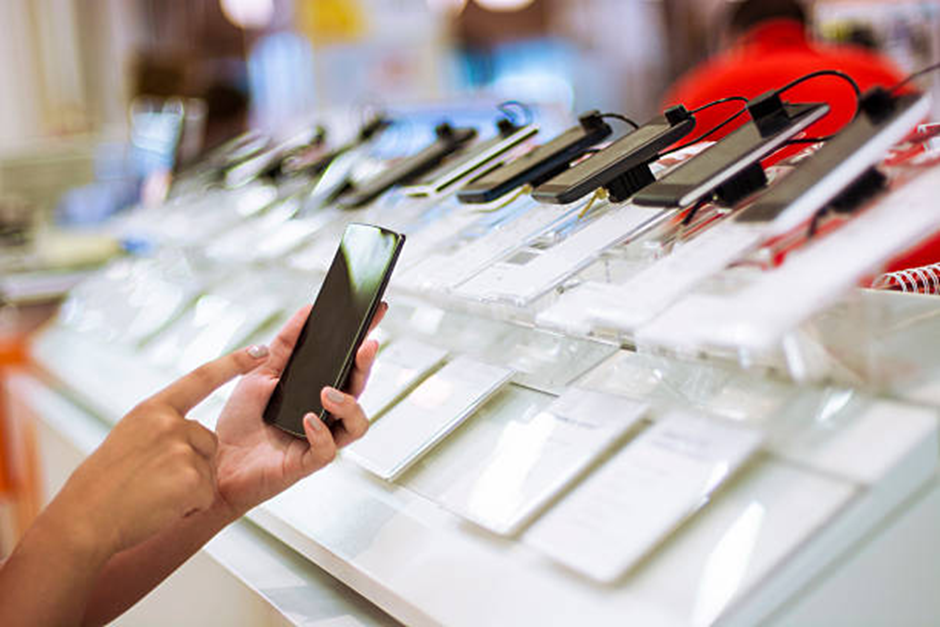
All of the previous owner’s accounts ought to be deleted by the time you finalize the purchase. The seller should log out of their own accounts and perform a proper factory reset on the phone. Once reset, verify whether the phone boots up just fine without any issues.
| Check | Why It Matters |
| IMEI | Confirms device identity |
| PTA status | Confirms network registration |
| Battery | Shows expected battery condition |
| Screen | Finds display or touch problems |
| Cameras | Checks image and video quality |
| Charging | Finds port or charging issues |
| Network | Confirms SIM connectivity |
| Software | Confirms model and specifications |
| Repair history | Reveals replaced or repaired parts |
| Price | Helps determine overall value |
If the phone still remains tied to someone else’s account, don’t even think about paying until this matter gets resolved properly.
Final Checks Before You Pay
Before handing over your money, take a few minutes for a final inspection.
- Confirm the IMEI and PTA status.
- Test the SIM and mobile data.
- Check the screen and cameras.
- Test charging and battery performance.
- Inspect the body for damage.
- Check buttons, speakers, and microphone.
- Confirm the seller’s claims about repairs.
- Make sure previous accounts are removed.
- Compare the price with similar devices.
- Ask for any available receipt or warranty.
Try to meet the seller in a safe place. Avoid rushing because the seller says another buyer is waiting.
Conclusion
Buying a second-hand phone in Pakistan could very well be quite a shrewd financial move indeed. Nonetheless, do inspect it very closely indeed before handing over your hard-earned cash. Check the IMEI number, PTA clearance status, display, battery, camera setup, charging port, cellular network connectivity, installed OS, and even exterior wear & tear. It would also be wise to ask some questions regarding past maintenance work done and verify that all previous user accounts have indeed been wiped clean.
Most importantly, see how this phone compares to other similar models sold within your area, especially considering its full list of features versus the seller’s asking price. Spending just a little extra time carefully checking things out will greatly reduce your chances of facing some costly problems down the line later on. By following our suggested 15-point checklist, you’ll truly be able to make a much more educated purchasing decision whenever buying a pre-owned smartphone.